Showing posts with label computers. Show all posts

31 Dec 2021

New Year New Gear

My Macbook Pro was bought in 2011, and is now over 10 years old, a dinosaur in technological terms.

Recently my younger son had the opportunity to acquire a 2017 Macbook Pro, with 16 gig RAM and a 2 terabyte SSD, and asked me if I would like that as a Christmas present.

Of course, I jumped at the chance.

The new laptop

As with any new laptop, compatibility problems with existing hardware and software arose.  This time it is with my aging 2008 vertical mouse - the Evoluent.

The 13 year old Evoluent Vertical Mouse - with all its grottiness and battle scars.

Not only does the driver not work with the new OS, but I had also been putting up with a few of the buttons not working for the past year or two.

A new Evoluent, with the current exchange rate and postage costs, would amount close to A$250 - way too much to pay for a mouse!

Instead, I bought myself a Logitech vertical mouse, and so far have been very happy with it.

Logitech MX Vertical Mouse

My Desk Setup - keyboard is from 2002!


8 Jan 2014

3D Printer

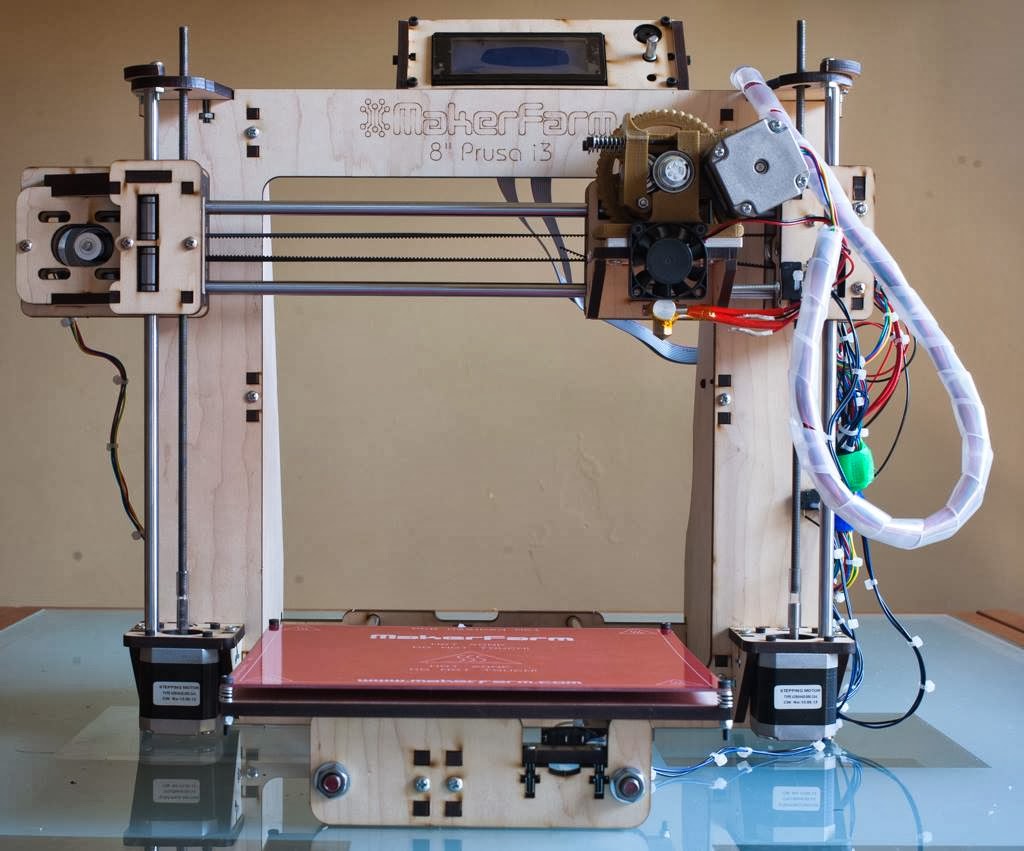
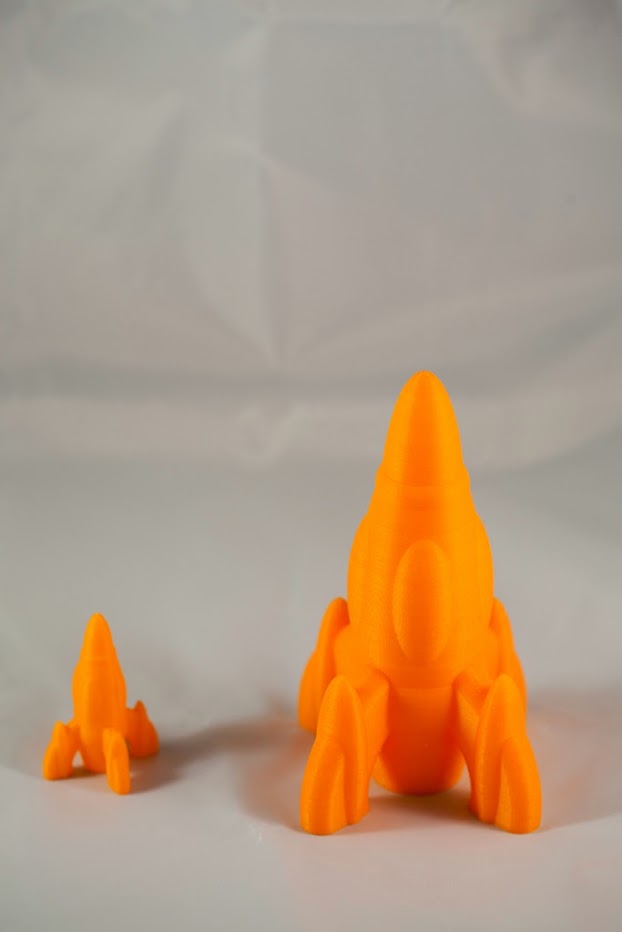
Son No 1 assembled a 3D printer from a kit.


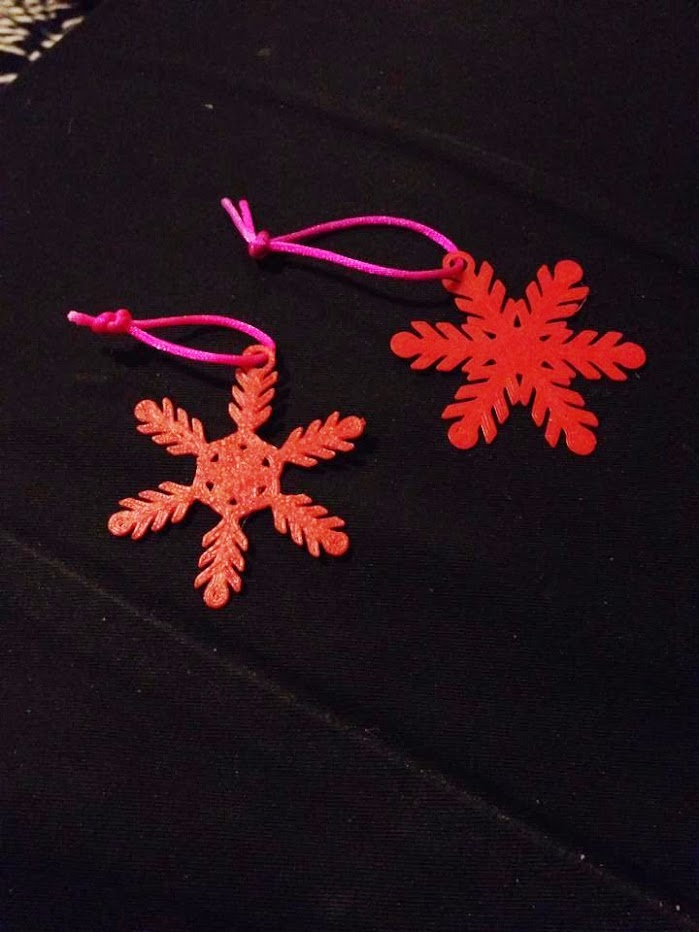
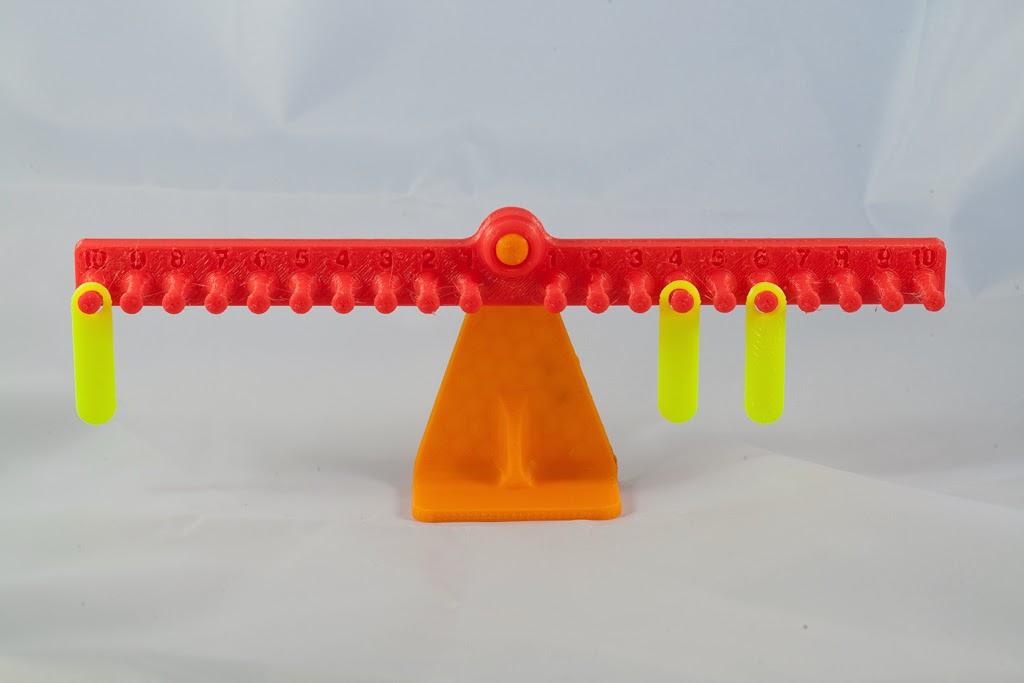
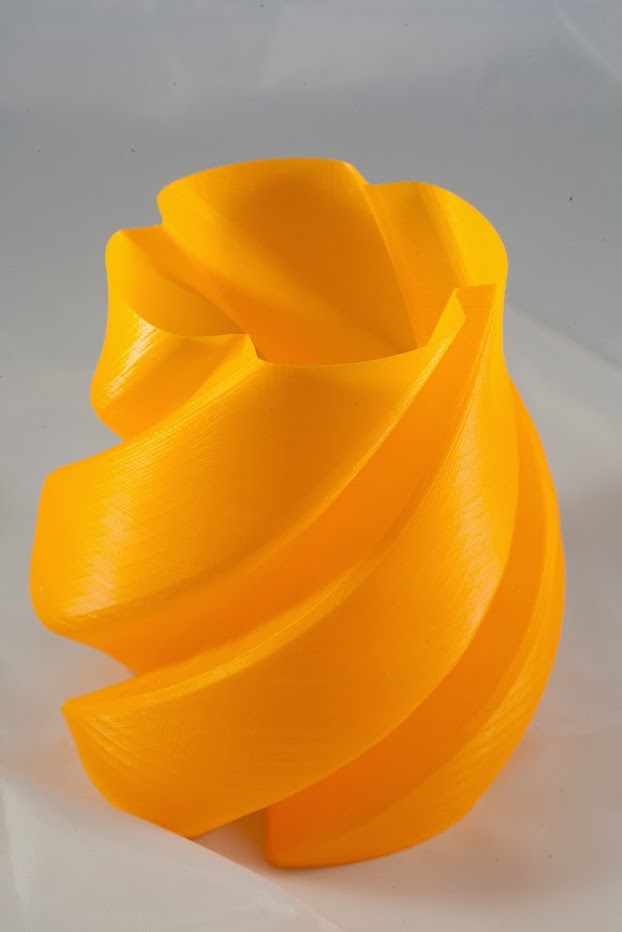
Some trial runs before we make a hand gun:


14 Oct 2011

A Gentle Girl Leaves Home And I Get A New Computer

She travelled over the Nullarbor to get here, and, after living with us for over 18 months, the time has come for Zhaan to leave us and move to her new home.


Son no 2 moved out last weekend into his own place and took her with him.


Some photos of Zhaan :


Above, resting on her favourite couch.


And below, amongst the wildflowers in the local park a few weeks ago.


I see from Facebook Henry Q had hard drive troubles and has got himself a new computer. I have a computer saga of my own.


You may remember that earlier this year, I got myself a Hackintosh to replace my aging Apple Mac Mini.


Why a home-made Hackintosh? I like the Mac OS but not the prices of their computers; a home made Hackintosh was the cheaper option.


It served me well for the last 10 months or so, but lately started to overheat and crash, and got especially worse after upgrading to the latest operating system, 10.7 or Lion, as it is called.


In the last month of Winter, I had to resort to running it with the case open and with a little USB fan blowing on the processors.


However, come Spring, the CPU temperatures started rising and the machine started crashing again. My consultants, ie the sons, proposed many solutions - all of which necessitated pouring more money into what looks like a gone case, with no guarantee of success.


So I decided that what I heard a wise old lady (wife's cousin's mother-in-law) once say was right. BUY CHEAP, BUY TWICE!


As an electronics chain store here had a special on Apple Macs at that time, with $168 off the model I wanted, I decided I'd order one online. I chose a laptop because I could operate it in clamshell mode at home and can also take all my data and apps with me on holidays.


The 13 inch Macbook Pro arrived the day after Steve Jobs died.


THEN THE TROUBLE STARTED!


After a successful migration of my stuff, everything seemed ok at first.


Then I noticed I had no sound. All sound controls were greyed out.


No worries, I thought. I'd check out the Genius Bar at the Apple Store in Perth City, traveling there free on my Senior's card.


The guys there gave excellent service: I had a 15 min appointment, but they spent over an hour with me, testing the machine by booting from their hard drive (sound worked), and then re-installing the OS on my machine (sound didn't work).


The suggestion from them was that I take it home and do a clean install and everything should work fine.


At home, I did a clean install (sound worked), and migrated my data (sound didn't work).


I was beginning to suspect it had something to do with the Hackintosh.


I remember when the Hackintosh was set up, we had a problem with not having sound. Son no 2 had to get some other drivers to get the sound to work.


I now felt that these drivers must be overriding the Mac drivers and searching for the non-existent Hackintosh hardware.


Several more clean installs, re-migration of data excluding different settings each time, I still no sound.

Had Son No 2 take a look: he did find the Hackintosh drivers, removed them, but sound still didn't work!

Finally I decided to migrate stuff manually and laboriously , finally finishing late yesterday with everything working!

What name shall I now give this computer?

Powered by Qumana

3 Oct 2011

Some More Geotagging

Last week I had to go for an ultrasound and x-ray of my shoulder which I hurt whilst swimming about 8 months ago.

I took the opportunity to walk home from the doctors' and test my geotagger with a view to creating a geotagged photo gallery on the web.

I found out it can be very easily done in conjunction with Flickr and iMapFlickr.

Here's the result, even though the content is not too interesting. Comments I typed into the photos on Flicker will appear if you click on the "+" on the thumbnail which appears after clicking on the flag.

And, by the way, I'll now have to go back to doc for a cortisone jab.

I'm looking forward to testing it out in a couple of weeks when we go to Kota Kinabalu.

Boys and their toys!

7 Jan 2011

Our 2011 Starts With A Bang!

I was reading the papers this morning when a big bang came from somewhere within the house.


For a moment, I thought my new Hackintosh (more on that below) exploded.


An intitial search all around the house found nothing amiss.


Finally we saw it - Cheryl's glass splashback in the kitchen has shattered completely, but was held in place on the wall by it's adhesive.


A close up of the point of origin.


I think our house insurance covers glass breakages. Will have to put in a claim.


And the Hackintosh?


My Mac mini is getting old and slow for some new applications. I wanted a new Mac but not the hefty bill that comes with it, so, just before Christmas, I got son no 2 to build me a computer hacked to run Mac's OS X, commonly known on the net as a Hackintosh.

It works perfectly, except for one thing: it can't go to sleep.


So this is what I christened it:


8 Aug 2007

Two Wins and A Loss

My favourite dogwalk camera, the Canon Ixus 400, developed an annoying fault.

On switching on, the LCD display would say "Memory Card Error" and the camera would refuse to function.

Often, removing and reinserting the battery would solve the problem, but over the past year, it grew more and more frequent.So I did the obvious.

I googled the error and found that this was a common complaint about the Canon Ixus range.

One guy even had a solution.
It involved resetting the camera by removing its internal battery for about an hour.
This entailed removing the front cover, keeping track of the different length screws, removing the internal battery for one hour (arrowed in the pic below), then finish off by reversing the whole process.
I am always very nervous about such projects because they invariably end up in an expensive mess for me.

This time, however, things went smoothly and the camera is working as good as new now.

This other repair I discovered by accident.

The pop-up flash on my Coolpix 5700 would sometimes stick and won't allow flash photos to be taken.

I've had to sent it back to Nikon on 2 occassions for repair - and they happily charged me $200 each time!

I found out, as I've said, quite by accident, that the shutter button and the lock ring can be very easily lifted out of the body, revealing an electronic contact point.
Cleaning this point of dust appear to have solved the problem.
If this is the case, I've been really and truly had by those bastards.

The second time I sent it for repair, I had barely returned home from their workshop and I received a call saying my camera was ready!

I thought it was great service. Now I know better!

Bouyed my two repair successes, I decided to service my Apple Mighty Mouse, (again, following googled instruction from the net), as it was having a sticky scroll ball.

This time however, it ended in disaster - I pulled out the connecting cable to the scroll ball housing (arrowed in following pic) when trying to reassemble the mouse!
At another time, when I feel like it, I may try to reconnect the cable and see if that can be done!

30 Jun 2007

Grandpa's Computer

What's on Grandpa's computer?Watching Youtube:
I'm on Grandpa's desktop!

17 Nov 2006

What is it?


One half of my new toy is coming!